Space Invaders Game Tutorial: Build Classic Arcade with Python Pygame
Learn How to Create a Simple Space Invaders with Feature Comparison Using Python (PyGame): Step-by-Step Guide for Beginners
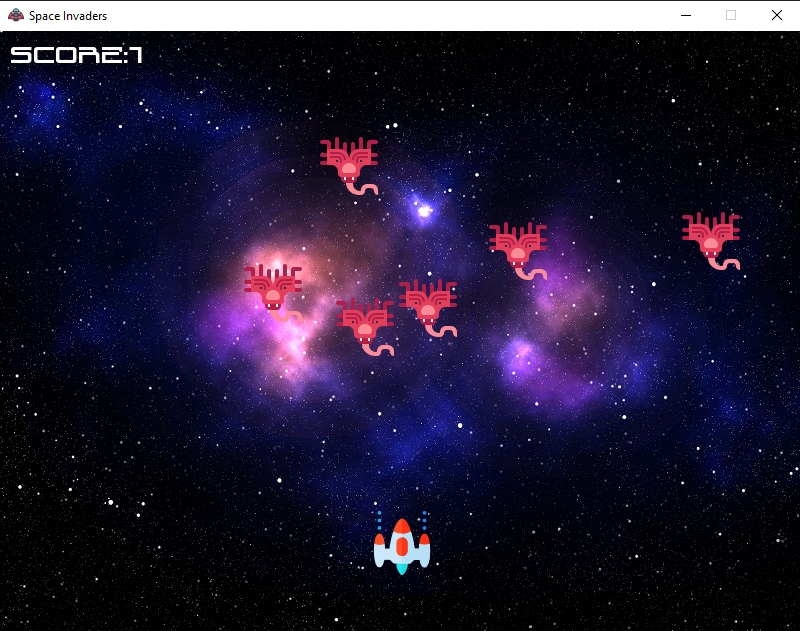
This comprehensive Space Invaders Game tutorial teaches you how to recreate the iconic arcade shooter using Python and Pygame library. Learn professional game development techniques including sprite animation for smooth enemy movements, collision detection using distance-based algorithms, real-time game loops with event handling, keyboard-controlled player movement with boundary checking, single-bullet firing mechanics with cooldown states, dynamic enemy wave generation with random positioning, sound effects integration for laser shooting and explosions, progressive difficulty with enemy respawning, and scoring system with game-over conditions. Perfect for beginners learning classic arcade game mechanics and intermediate Python programmers exploring interactive 2D game development with authentic retro gameplay patterns.
Table of Contents
Prerequisites
- Python
- Pygame library (pip install pygame)
- Game assets (Images [Alien, background, UFO, Player)], Font and Sound)
Implementation Details
This Space Invader game, built with Python and Pygame, features a player-controlled spaceship, enemy waves, real-time movement, shooting, collision detection, and simple scoring. The game loop runs smoothly, making gameplay increasingly challenging as enemies respawn.
Python Code (main.py)
import math
import random
import pygame
from pygame import mixer

# Initialize the pygame
pygame.init()
screen = pygame.display.set_mode((800, 600))
# Background Image
background = pygame.image.load('Images/Background.jpg')

# Background Sound
mixer.music.load('Sound/background.wav')
mixer.music.play(-1)

# Caption and Icon
pygame.display.set_caption('Space Invaders')
icon = pygame.image.load('Images/UFO.png')
pygame.display.set_icon(icon)

# Player
playerImg = pygame.image.load('Images/Player.png')
playerX = 370
playerY = 480
playerX_change = 0

# Enemy
enemyImg = []
enemyX = []
enemyY = []
enemyX_change = []
enemyY_change = []
no_of_enemies = 6
for i in range(no_of_enemies):
    enemyImg.append(pygame.image.load('Images/Alien.png'))
    enemyX.append(random.randint(0, 736))
    enemyY.append(random.randint(50, 150))
    enemyX_change.append(0.3)
    enemyY_change.append(40)

# Bullet
bulletImg = pygame.image.load('Images/Bullet.png')
bulletX = 0
bulletY = 480
bulletX_change = 0
bulletY_change = 2
bullet_state = 'ready'

# Score Font
score_value = 0
font = pygame.font.Font('Font/bladesinger.ttf', 30)
textX = 10
textY = 10

# Game Over Text
over_font = pygame.font.Font('Font/bladesinger.ttf', 64)

def show_score(x, y):
    score = font.render('score:' + str(score_value), True, (255, 255, 255))
    screen.blit(score, (x, y))

def game_over_text():
    over_text = over_font.render('GAME OVER', True, (255, 255, 255))
    screen.blit(over_text, (200, 250))

def player(x, y):
    screen.blit(playerImg, (x, y))

def enemy(x, y, i):
    screen.blit(enemyImg[i], (x, y))

def fire_bullet(x, y):
    global bullet_state
    bullet_state = 'fire'
    screen.blit(bulletImg, (x+16, y+10))

# Collision
def isCollision(enemyX, enemyY, bulletX, bulletY):
    distance = math.sqrt(math.pow(enemyX - bulletX, 2) + math.pow(enemyY - bulletY, 2))
    if distance < 27:
        return True
    else:
        return False

# Game Loop
running = True
while running:
    screen.fill((0, 0, 0))
    # Background Image
    screen.blit(background, (0, 0))
    for event in pygame.event.get():
        if event.type == pygame.QUIT:
            running = False
        if event.type == pygame.KEYDOWN:
            if event.key == pygame.K_LEFT:
                playerX_change = -0.4
            if event.key == pygame.K_RIGHT:
                playerX_change = 0.4
            if event.key == pygame.K_SPACE:
                if bullet_state == 'ready':
                    bullet_Sound = mixer.Sound('Sound/laser.wav')
                    bullet_Sound.play()
                    # Get the current x coordinate of the Spaceship
                    bulletX = playerX
                    fire_bullet(bulletX, bulletY)
        if event.type == pygame.KEYUP:
            if event.key == pygame.K_LEFT or event.key == pygame.K_RIGHT:
                playerX_change = 0
    playerX += playerX_change
    if playerX <= 0:
        playerX = 0
    elif playerX >= 736:
        playerX = 736
    # Checking the boundaries of the Spaceship
    for i in range(no_of_enemies):
        # Game Over
        if enemyY[i] > 450:
            for j in range(no_of_enemies):
                enemyY[j] = 2000
            game_over_text()
            break
        enemyX[i] += enemyX_change[i]
        if enemyX[i] <= 0:
            enemyX_change[i] = 0.3
            enemyY[i] += enemyY_change[i]
        elif enemyX[i] >= 736:
            enemyX_change[i] = -0.3
            enemyY[i] += enemyY_change[i]
        # Collision
        collision = isCollision(enemyX[i], enemyY[i], bulletX, bulletY)
        if collision:
            explosion_Sound = mixer.Sound('Sound/explosion.wav')
            explosion_Sound.play()
            bulletY = 480
            bullet_state = 'ready'
            score_value += 1
            enemyX[i] = random.randint(0, 736)
            enemyY[i] = random.randint(50, 150)
        enemy(enemyX[i], enemyY[i], i)

    # Bullet Movement
    if bulletY <= 0:
        bulletY = 480
        bullet_state = 'ready'
    if bullet_state == 'fire':
        fire_bullet(bulletX, bulletY)
        bulletY -= bulletY_change

    # Movement of the Enemy
    player(playerX, playerY)
    show_score(textX, textY)
    pygame.display.update()
Setting Up the Project
Here's the recommended folder structure for your project. All file and folder names are case-sensitive!
SpaceInvader/
├── main.py
├── Images/
│ ├── Background.jpg
│ ├── UFO.png
│ ├── Player.png
│ ├── Alien.png
│ └── Bullet.png
├── Sound/
│ ├── background.wav
│ ├── laser.wav
│ └── explosion.wav
└── Font/
└── bladesinger.ttf
1. Set Up and Import Libraries
import math
import random
import pygame
from pygame import mixer
pygame.init()
- 'math' is used for collision detection using distances.
- 'random' is for placing enemies in random positions.
- 'pygame' is the core library for making 2D games.
- 'mixer' (from pygame) lets us play sounds/music.
- 'pygame.init()' starts up everything you need for a graphical game.
2. Create the Game Window
screen = pygame.display.set_mode((800, 600))
- This creates the main game window, 800 pixels wide and 600 pixels tall.
- The top-left of the window is at coordinates (0,0).
3. Load Images, Sound, and Set the Window Caption/Icon
background = pygame.image.load('Images/Background.jpg')
mixer.music.load('Sound/background.wav')
mixer.music.play(-1)  # background music loops forever
pygame.display.set_caption('Space Invaders') # window title
icon = pygame.image.load('Images/UFO.png')
pygame.display.set_icon(icon) # sets the window icon
- Loads and sets up your background, game icon, and background music.
- 'mixer.music.play(-1)' makes the music repeat continuously.
4. Set Up the Player
playerImg = pygame.image.load('Images/Player.png')
playerX = 370
playerY = 480
playerX_change = 0
- Loads the player ship image.
- Sets its starting position near the bottom center of the window.
- 'playerX_change' is used to move left/right when the player presses keys.
5. Create a Group of Enemies
enemyImg = []
enemyX = []
enemyY = []
enemyX_change = []
enemyY_change = []
no_of_enemies = 6
for i in range(no_of_enemies):
    enemyImg.append(pygame.image.load('Images/Alien.png'))
    enemyX.append(random.randint(0, 736))
    enemyY.append(random.randint(50, 150))
    enemyX_change.append(0.3)
    enemyY_change.append(40)
- Sets up 6 enemies.
- Each enemy gets a random starting position near the top of the screen.
- Each enemy moves sideways ('enemyX_change'), and drops down a little ('enemyY_change') when it hits the screen edge.
6. Add a Bullet Mechanic
bulletImg = pygame.image.load('Images/Bullet.png')
bulletX = 0
bulletY = 480
bulletX_change = 0
bulletY_change = 2
bullet_state = 'ready'
- Bullet can be fired by the player.
- 'bullet_state' can be 'ready' (player can shoot) or 'fire' (bullet is moving).
7. Fonts & Score
score_value = 0
font = pygame.font.Font('Font/bladesinger.ttf', 30)
textX = 10
textY = 10
over_font = pygame.font.Font('Font/bladesinger.ttf', 64)
- Sets up the font and display position for the current score.
- Creates a larger font for the Game Over message.
8. Helper Functions for Drawing and Display
def show_score(x, y):
    score = font.render('score:' + str(score_value), True, (255, 255, 255))
    screen.blit(score, (x, y))
def game_over_text():
    over_text = over_font.render('GAME OVER', True, (255, 255, 255))
    screen.blit(over_text, (200, 250))
def player(x, y):
    screen.blit(playerImg, (x, y))
def enemy(x, y, i):
    screen.blit(enemyImg[i], (x, y))
def fire_bullet(x, y):
    global bullet_state
    bullet_state = 'fire'
    screen.blit(bulletImg, (x+16, y+10))
- 'screen.blit(image, (x, y))' draws images at specified positions.
- These functions handle placing text, the player, bullet, and enemies on the screen.
9. Detecting Collisions
def isCollision(enemyX, enemyY, bulletX, bulletY):
    distance = math.sqrt(math.pow(enemyX - bulletX, 2) + math.pow(enemyY - bulletY, 2))
    if distance < 27:
        return True
    else:
        return False
- Uses the **distance formula** to determine if a bullet is close enough to an enemy for a collision to occur.
10. Main Game Loop
This part keeps your game running, checks for player input, moves all elements, checks for collisions, draws everything, and updates the display.
running = True
while running:
    screen.fill((0, 0, 0)) # Fills the screen with black
    screen.blit(background, (0, 0)) # Draws the background
    for event in pygame.event.get():
        if event.type == pygame.QUIT:
            running = False
        if event.type == pygame.KEYDOWN:
            if event.key == pygame.K_LEFT:
                playerX_change = -0.4
            if event.key == pygame.K_RIGHT:
                playerX_change = 0.4
            if event.key == pygame.K_SPACE:
                if bullet_state == 'ready':
                    bullet_Sound = mixer.Sound('Sound/laser.wav')
                    bullet_Sound.play()
                    bulletX = playerX
                    fire_bullet(bulletX, bulletY)
        if event.type == pygame.KEYUP:
            if event.key == pygame.K_LEFT or event.key == pygame.K_RIGHT:
                playerX_change = 0
    playerX += playerX_change
    if playerX <= 0:
        playerX = 0
    elif playerX >= 736:
        playerX = 736
- Handles quitting the game and keyboard input.
- Sets the bullet into motion if the spacebar is pressed.
- Makes sure the player doesn't move off screen.
Moving Enemies and Handling Game Over
for i in range(no_of_enemies):
    if enemyY[i] > 450:
        for j in range(no_of_enemies):
            enemyY[j] = 2000
        game_over_text()
        break
    enemyX[i] += enemyX_change[i]
    if enemyX[i] <= 0:
        enemyX_change[i] = 0.3
        enemyY[i] += enemyY_change[i]
    elif enemyX[i] >= 736:
        enemyX_change[i] = -0.3
        enemyY[i] += enemyY_change[i]
    collision = isCollision(enemyX[i], enemyY[i], bulletX, bulletY)
    if collision:
        explosion_Sound = mixer.Sound('Sound/explosion.wav')
        explosion_Sound.play()
        bulletY = 480
        bullet_state = 'ready'
        score_value += 1
        enemyX[i] = random.randint(0, 736)
        enemyY[i] = random.randint(50, 150)
    enemy(enemyX[i], enemyY[i], i)
- Moves enemies left and right, bounces them off the edges.
- When enemies reach the player, moves them off screen and displays GAME OVER.
- When a collision happens, plays a sound, increases the score, resets the bullet, and sends the enemy back to the top.
Bullet Movement
if bulletY <= 0:
    bulletY = 480
    bullet_state = 'ready'
if bullet_state == 'fire':
    fire_bullet(bulletX, bulletY)
    bulletY -= bulletY_change
- The bullet only moves if its state is 'fire'.
- If it moves off the top of the screen, its state is reset to 'ready', so the player can shoot again.
Drawing Everything & Updating the Screen
player(playerX, playerY)
show_score(textX, textY)
pygame.display.update()
- Draws the player and score on each iteration of the loop.
- 'pygame.display.update()' actually renders all your updated graphics to the game window.
🎉 You're Done!
Congratulations on understanding the basic structure of a Space Invaders game using Python and Pygame!
Try adding new features—multiple bullets, shooting enemies, or a high score system—to practice and learn more.
Project Conclusion
The Space Invaders Game is a beginner-friendly Python project built using the Python programming language and the Pygame library. This project teaches step-by-step concepts such as player movement, enemy generation, bullet firing, collision detection, scoring system, and game-over handling. It is a perfect hands-on tutorial for beginners to understand game loops, real-time graphics rendering, and event handling in Python while building a fun and interactive arcade-style shooting game.
Key achievements include:
- Player controls and shooting mechanics with smooth left/right movement and bullet firing.
- Enemy spawning and collision detection to track hits, remove enemies, and increase the score.
- Score system and Game Over condition providing real-time feedback and a complete arcade experience.
This tutorial provides a complete, functional Space Invaders game that demonstrates fundamental game development concepts including object-oriented programming, game loops, collision detection, and user input handling. The modular structure makes it easy to extend and customize for your own projects!
Other Projects
Shooter Game
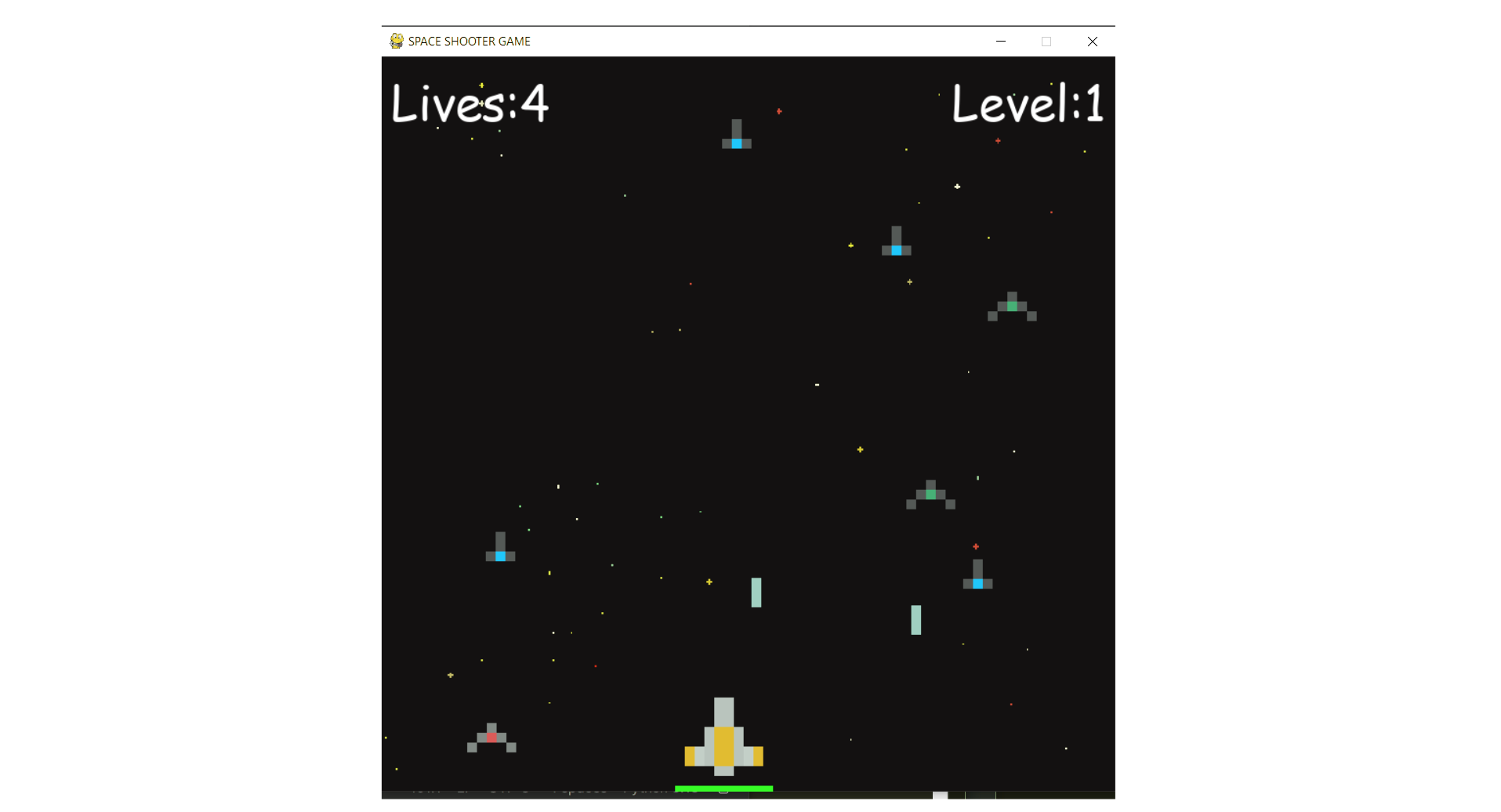
This is a beginner-friendly guide for building a Space Shooter game with Python and Pygame, covering coding concepts and project structure.
View Project →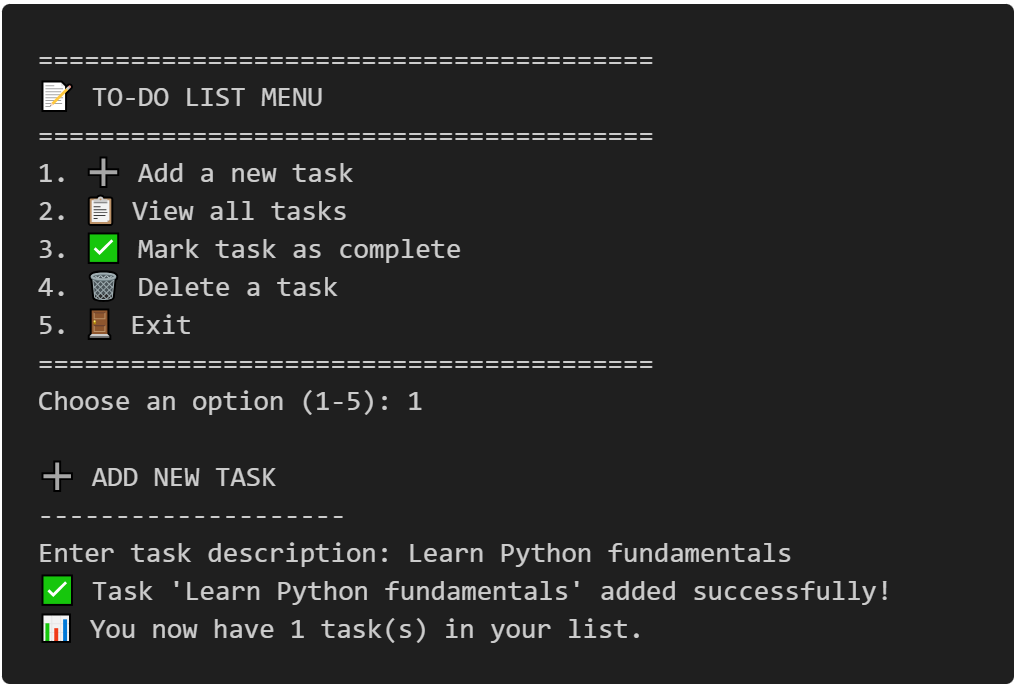
To-Do CLI App
Interactive command-line to-do list manager with Python, featuring list operations, persistent tasks, and practical coding exercises.
View Project →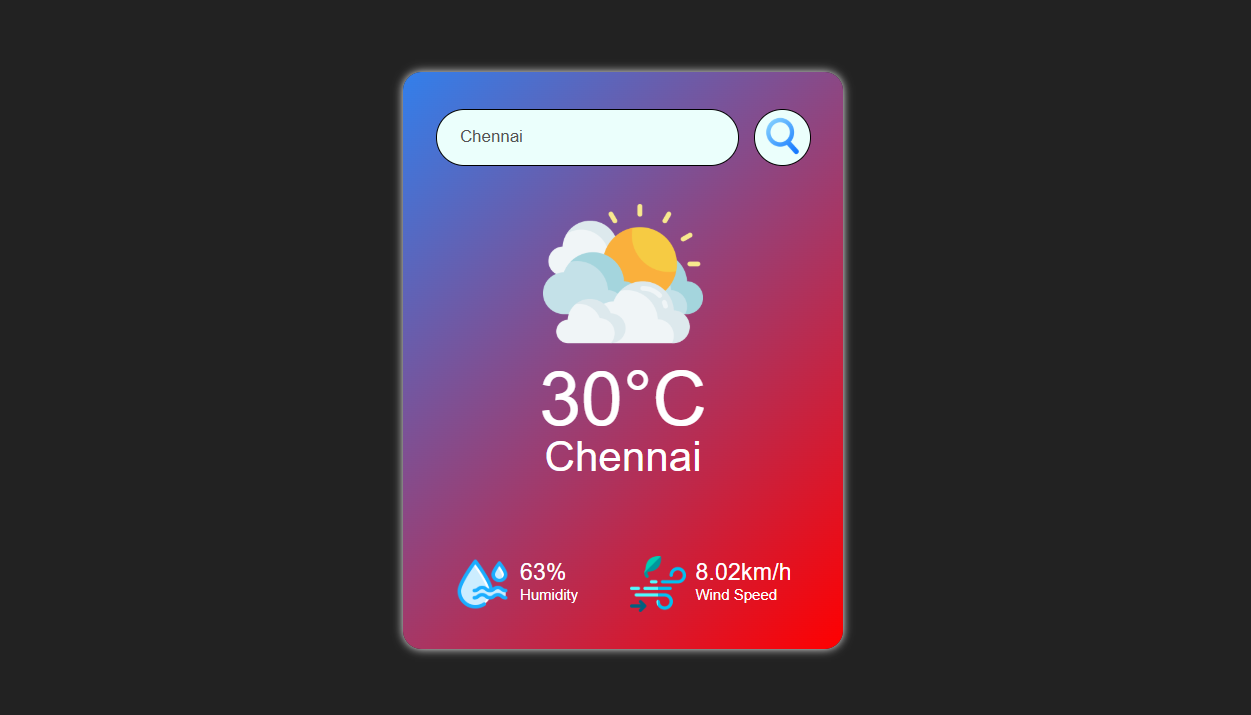
Weather App
Responsive weather app with real-time API data, feature comparison, and intuitive design for global city forecasts.
View Project →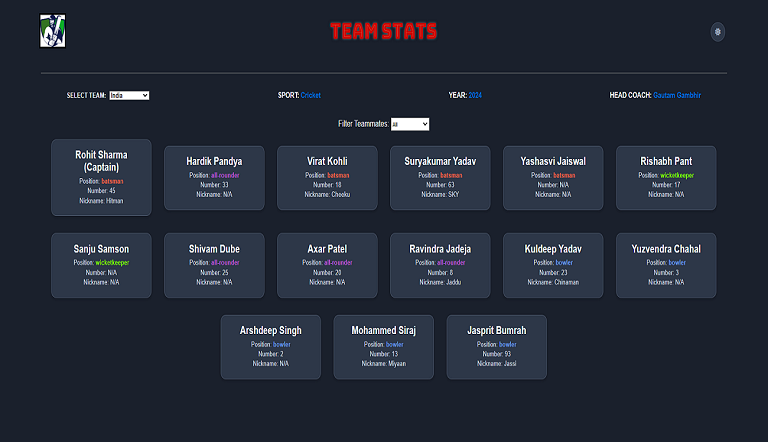
Team Card App
Interactive team card application for cricket, featuring dynamic team selection, player filters, and customizable light/dark themes.
View Project →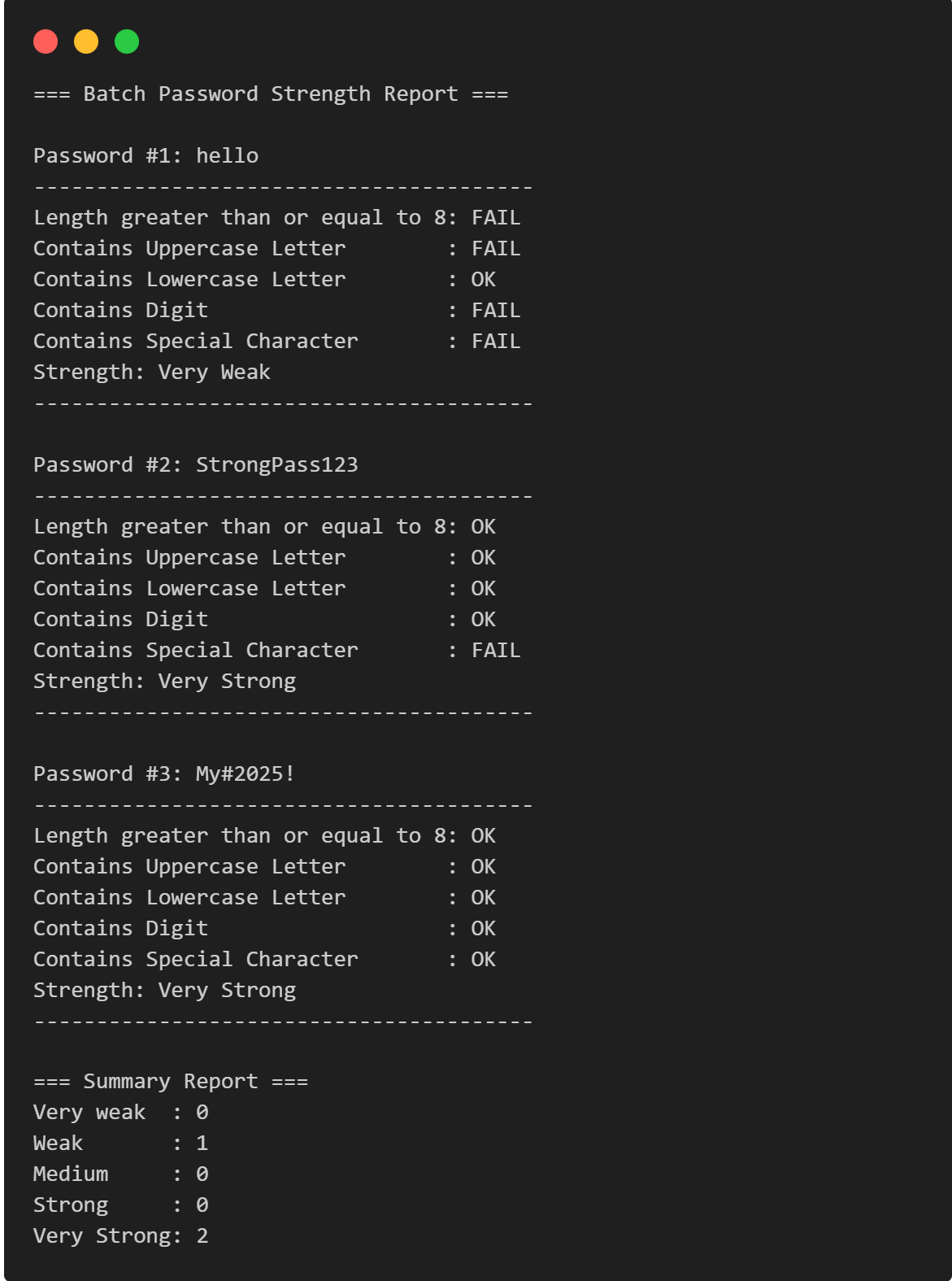
Password Strength Checker
Multi-Password Batch Strength Checker (C++), designed to check multiple passwords at once, show individual strength, and provide a summary report.
View Project →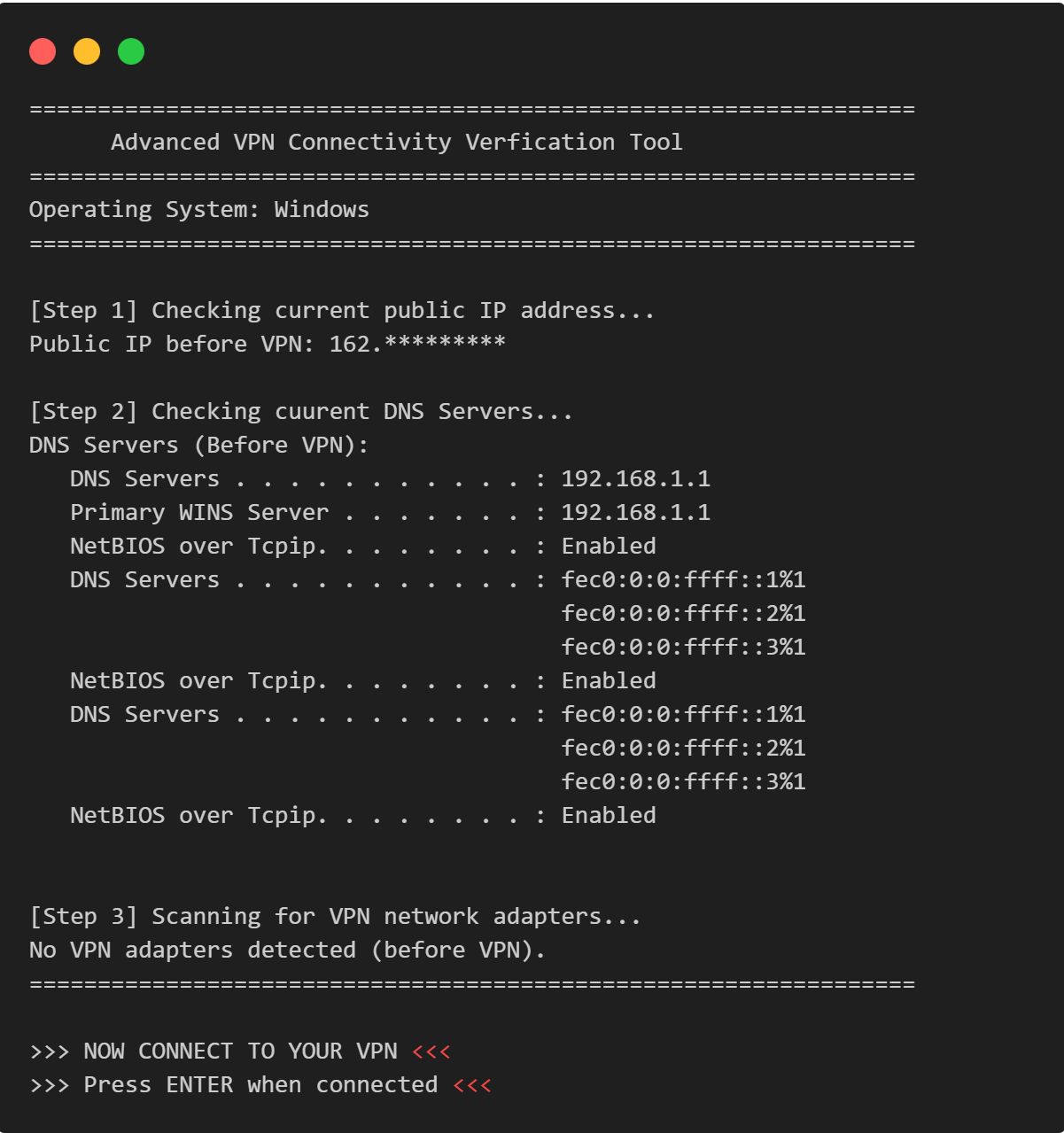
VPN Connectivity verification in C
Efficient C program to verify VPN status, routing, and DNS configurations through comprehensive public IP and network adapter analysis.
View Project →