🚀 Space Shooter by Python (Pygame)
Learn How to Create a Simple Space Shooter with Feature Comparison Using Python (PyGame): Step-by-Step Guide for Beginners
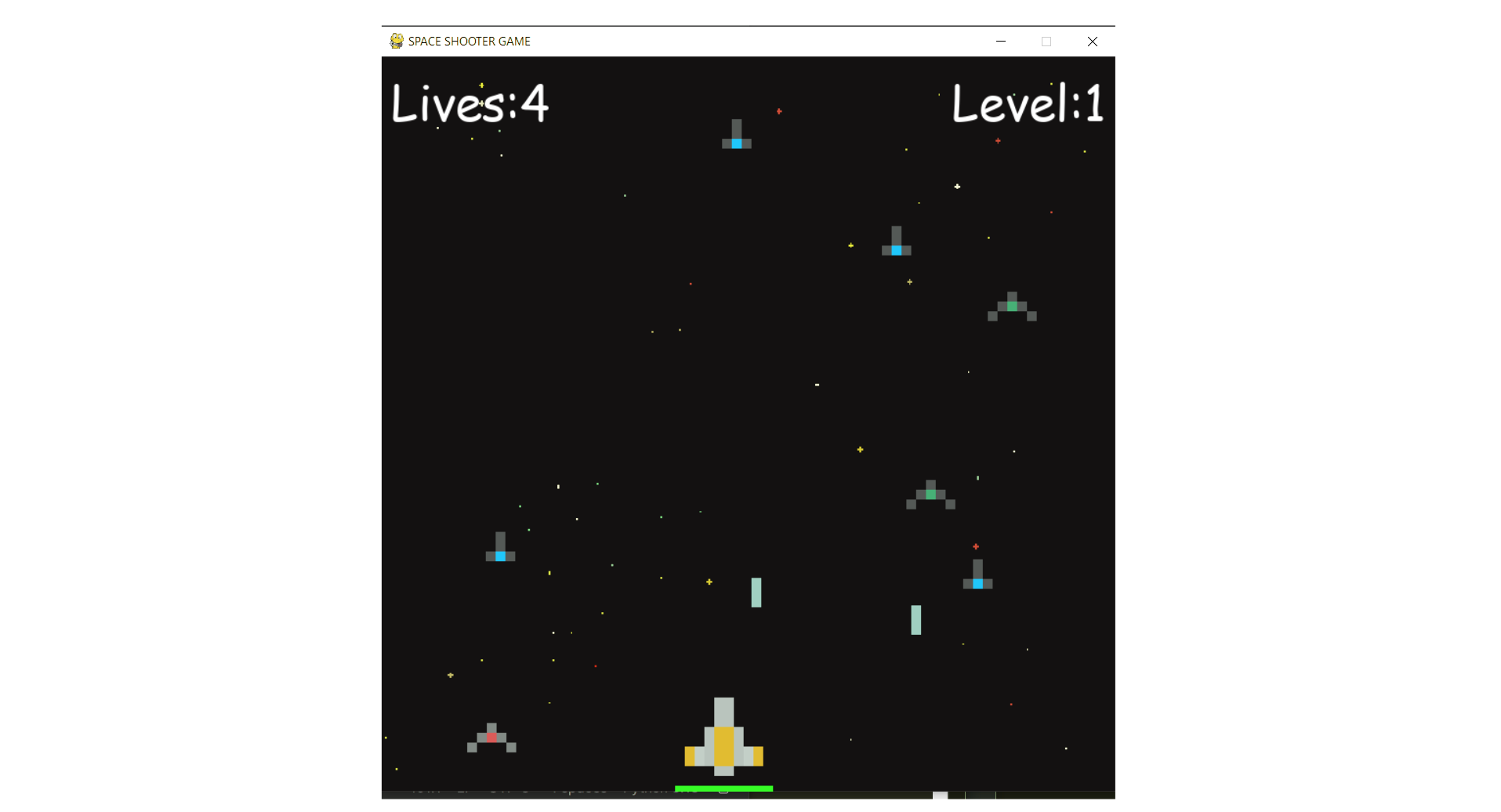
This comprehensive Space Shooter Game tutorial teaches you how to build a complete 2D arcade-style shooter using Python and Pygame library. Learn professional game development techniques including object-oriented programming with Player, Enemy, and Laser classes, pixel-perfect collision detection using Pygame masks, real-time game loops running at 60 FPS, WASD movement controls with boundary checking, spacebar shooting mechanics with cooldown timers, progressive enemy wave spawning with increasing difficulty, visual health bar systems, and automated enemy AI behavior. Perfect for beginners learning game development fundamentals and intermediate Python programmers looking to create engaging 2D arcade games with industry-standard design patterns.
Table of Contents
Prerequisites
- Python
- Pygame library (pip install pygame)
- Game assets (spaceship and laser images, background image)
Implementation Details
The game is built using Python and Pygame with three core classes: Ship (base mechanics), Player (user-controlled with health system), and Enemy (AI-controlled with automated behavior). The main game loop runs at 60 FPS, handling WASD movement controls, spacebar shooting, and progressive enemy wave spawning with increasing difficulty each level. Collision detection uses Pygame's mask system for pixel-perfect accuracy, while a cooldown system prevents rapid-fire shooting and maintains balanced gameplay.
PYTHON Code (main.py)
import pygame
import os
import time
import random

pygame.font.init()
width, height = 750, 750
WIN = pygame.display.set_mode((width, height))
pygame.display.set_caption('SPACE SHOOTER GAME')

# LOAD IMAGES
RED_SPACE_SHIP = pygame.image.load('Images/pixel_ship_red_small.png')
GREEN_SPACE_SHIP = pygame.image.load('Images/pixel_ship_green_small.png')
BLUE_SPACE_SHIP = pygame.image.load('Images/pixel_ship_blue_small.png')

# MAIN PLAYER SHIP
YELLOW_SPACE_SHIP = pygame.image.load('Images/pixel_ship_yellow.png')

# LASER
RED_LASER = pygame.image.load('Images/pixel_laser_red.png')
GREEN_LASER = pygame.image.load('Images/pixel_laser_green.png')
BLUE_LASER = pygame.image.load('Images/pixel_laser_blue.png')
YELLOW_LASER = pygame.image.load('Images/pixel_laser_yellow.png')

# BACKGROUND
BG = pygame.transform.scale(pygame.image.load('Images/background-black.png'), (width, height))

class Laser:
    def __init__(self, x, y, img):
        self.x = x
        self.y = y
        self.img = img
        self.mask = pygame.mask.from_surface(self.img)

    def draw(self, window):
        window.blit(self.img, (self.x, self.y))

    def move(self, vel):
        self.y += vel

    def off_screen(self, height):
        return not (self.y <= height and self.y >= 0)

    def collision(self, obj):
        return collide(self, obj)

class Ship:
    COUNTDOWN = 30
    def __init__(self, x, y, health=100):
        self.x = x
        self.y = y
        self.health = health
        self.ship_img = None
        self.laser_img = None
        self.lasers = []
        self.cool_down_counter = 0

    def draw(self, window):
        window.blit(self.ship_img, (self.x, self.y))
        for laser in self.lasers:
            laser.draw(window)

    def move_lasers(self, vel, obj):
        self.cooldown()
        for laser in self.lasers:
            laser.move(vel)
            if laser.off_screen(height):
                self.lasers.remove(laser)
            elif laser.collision(obj):
                obj.health -= 10
                self.lasers.remove(laser)

    def cooldown(self):
        if self.cool_down_counter >= self.COUNTDOWN:
            self.cool_down_counter = 0
        elif self.cool_down_counter > 0:
            self.cool_down_counter += 1

    def shoot(self):
        if self.cool_down_counter == 0:
            laser = Laser(self.x, self.y, self.laser_img)
            self.lasers.append(laser)
            self.cool_down_counter = 1

    def get_width(self):
        return self.ship_img.get_width()

    def get_height(self):
        return self.ship_img.get_height()

class Player(Ship):
    def __init__(self, x, y, health=100):
        super().__init__(x, y, health)
        self.ship_img = YELLOW_SPACE_SHIP
        self.laser_img = YELLOW_LASER
        self.mask = pygame.mask.from_surface(self.ship_img)
        self.max_health = health

    def move_lasers(self, vel, objs):
        self.cooldown()
        for laser in self.lasers:
            laser.move(vel)
            if laser.off_screen(height):
                self.lasers.remove(laser)
            else:
               for obj in objs:
                   if laser.collision(obj):
                       objs.remove(obj)
                       for laser in self.lasers:
                            self.lasers.remove(laser)

    def draw(self, window):
        super().draw(window)
        self.healthbar(window)

    def healthbar(self, window):
        pygame.draw.rect(window, (255, 0, 0), (self.x, self.y + self.ship_img.get_height() + 10, self.ship_img.get_width(), 10))
        pygame.draw.rect(window, (0, 255, 0), (self.x, self.y + self.ship_img.get_height() + 10, self.ship_img.get_width() * (self.health/self.max_health), 10))

class Enemy(Ship):
    COLOR_MAP = {
        'red': (RED_SPACE_SHIP, RED_LASER),
        'blue': (BLUE_SPACE_SHIP, BLUE_LASER),
        'green': (GREEN_SPACE_SHIP, GREEN_LASER)
        }

    def __init__(self, x, y, color, health=100):
        super().__init__(x, y, health)
        self.ship_img, self.laser_img = self.COLOR_MAP[color]
        self.mask = pygame.mask.from_surface(self.ship_img)

    def move(self, vel):
        self.y += vel

    def shoot(self):
        if self.cool_down_counter == 0:
            laser = Laser(self.x - 5, self.y, self.laser_img)
            self.lasers.append(laser)
            self.cool_down_counter = 1

def collide(obj1, obj2):
    offset_x = obj2.x - obj1.x
    offset_y = obj2.y - obj1.y
    return obj1.mask.overlap(obj2.mask, (offset_x, offset_y)) != None

def main():
    run = True
    FPS = 60
    lives = 5
    level = 0
    main_font = pygame.font.SysFont('comicsans', 50)
    lost_font = pygame.font.SysFont('comicsans', 60)
    enemies = []
    wave_length = 5
    enemy_vel = 1
    player_vel = 7
    laser_vel = 10
    player = Player(300, 630)
    clock = pygame.time.Clock()
    lost = False
    lost_count = 0

    def redraw_window():
        WIN.blit(BG, (0, 0))
        # DRAW TEXT
        lives_label = main_font.render(f'Lives:{lives}', 1, (255, 255, 255))
        level_label = main_font.render(f'Level:{level}', 1, (255, 255, 255))
        WIN.blit(lives_label, (10, 10))
        WIN.blit(level_label, (width - level_label.get_width() - 10, 10))
        for enemy in enemies:
            enemy.draw(WIN)
        player.draw(WIN)
        if lost:
            lost_label = lost_font.render('YOU LOST!', 1, (255, 255, 255))
            WIN.blit(lost_label, (width/2 - lost_label.get_width()/2, 350))
        pygame.display.update()

    while run:
        clock.tick(FPS)
        redraw_window()
        if lives <= 0 or player.health <= 0:
            lost = True
            lost_count += 1
        if lost:
            if lost_count > FPS * 3:
                run = False
            else:
                continue
        if len(enemies) == 0:
            level += 1
            wave_length += 5
            for i in range(wave_length):
                enemy = Enemy(random.randrange(50, width-100), random.randrange(-1300, -100), random.choice(['red', 'blue', 'green']))
                enemies.append(enemy)

        for event in pygame.event.get():
            if event.type == pygame.QUIT:
                quit()
        keys = pygame.key.get_pressed()
        if keys[pygame.K_a] and player.x - player_vel > 0:      # LEFT
            player.x -= player_vel
        if keys[pygame.K_d] and player.x + player_vel + player.get_width() < width:     # RIGHT
            player.x += player_vel
        if keys[pygame.K_w] and player.y - player_vel > 0:       # UP
            player.y -= player_vel
        if keys[pygame.K_s] and player.y + player_vel + player.get_height() + 15 < height:    # DOWN
            player.y += player_vel
        if keys[pygame.K_SPACE]:
            player.shoot()
        for enemy in enemies[:]:
            enemy.move(enemy_vel)
            enemy.move_lasers(laser_vel, player)
            if random.randrange(0, 2*60) == 1:
                enemy.shoot()
            if collide(enemy, player):
                player.health -= 10
                enemies.remove(enemy)
            elif enemy.y + enemy.get_height() > height:
                lives -= 1
                enemies.remove(enemy)
        player.move_lasers(-laser_vel, enemies)

def main_menu():
    run = True
    title_font = pygame.font.SysFont('cosmicsans', 70)
    while run:
        WIN.blit(BG, (0, 0))
        title_label = title_font.render('Press The Mouse To Begin.....', 1, (255, 255, 255))
        WIN.blit(title_label, (width/2 - title_label.get_width()/2, 350))
        pygame.display.update()
        for event in pygame.event.get():
            if event.type == pygame.QUIT:
                run = False
            if event.type == pygame.MOUSEBUTTONDOWN:
                main()
    pygame.quit()

main_menu()
This tutorial will guide you through creating a simple Space Shooter game using Pygame.
Project Structure
First, set up your project folder structure as follows:
space_shooter/
├── main.py
├── Images/
│ ├── pixel_ship_red_small.png
│ ├── pixel_ship_green_small.png
│ ├── pixel_ship_blue_small.png
│ ├── pixel_ship_yellow.png
│ ├── pixel_laser_red.png
│ ├── pixel_laser_green.png
│ ├── pixel_laser_blue.png
│ ├── pixel_laser_yellow.png
│ └── background-black.png
Step 1: Initialize Pygame and Setup Window
Start by creating the basic game structure in main.py:
                                        import pygame
import os
import time
import random

# Initialize Pygame font system
pygame.font.init()

# Define screen dimensions
width, height = 750, 750

# Create the game window
WIN = pygame.display.set_mode((width, height))
pygame.display.set_caption('SPACE SHOOTER GAME')
- Imports necessary libraries for game development.
- Initializes Pygame's font system for text rendering.
- Creates a 750x750 pixel game window.
- Sets the window title.
Step 2: Load Game Assets
Next, load all the images required for the game:
# Load enemy ship images
RED_SPACE_SHIP = pygame.image.load('Images/pixel_ship_red_small.png')
GREEN_SPACE_SHIP = pygame.image.load('Images/pixel_ship_green_small.png')
BLUE_SPACE_SHIP = pygame.image.load('Images/pixel_ship_blue_small.png')

# Load player ship image
YELLOW_SPACE_SHIP = pygame.image.load('Images/pixel_ship_yellow.png')

# Load laser images
RED_LASER = pygame.image.load('Images/pixel_laser_red.png')
GREEN_LASER = pygame.image.load('Images/pixel_laser_green.png')
BLUE_LASER = pygame.image.load('Images/pixel_laser_blue.png')
YELLOW_LASER = pygame.image.load('Images/pixel_laser_yellow.png')

# Load and scale background image
BG = pygame.transform.scale(pygame.image.load('Images/background-black.png'), (width, height))
- Loads all image assets into memory.
- Scales the background image to fit the window.
- Creates global variables for easy access throughout the game.
Step 3: Create the Laser Class
Define the Laser class to handle all projectiles in the game:
class Laser:
    def __init__(self, x, y, img):
        self.x = x
        self.y = y
        self.img = img
        self.mask = pygame.mask.from_surface(self.img)

    def draw(self, window):
        """Draw the laser on the screen"""
        window.blit(self.img, (self.x, self.y))

    def move(self, vel):
        """Move the laser vertically"""
        self.y += vel

    def off_screen(self, height):
        """Check if laser has moved off screen"""
        return not (self.y <= height and self.y >= 0)

    def collision(self, obj):
        """Check collision with another object"""
        return collide(self, obj)
- Creates a
Laserclass to handle projectiles. - Stores position (x, y) and image.
- Creates a mask for pixel-perfect collision detection.
- Provides methods for drawing, moving, and collision detection.
Step 4: Create the Base Ship Class
Implement the Ship class, which will serve as the base for both
player and enemy ships:
class Ship:
    COUNTDOWN = 30  # Cooldown time between shots

    def __init__(self, x, y, health=100):
        self.x = x
        self.y = y
        self.health = health
        self.ship_img = None
        self.laser_img = None
        self.lasers = []
        self.cool_down_counter = 0

    def draw(self, window):
        """Draw the ship and its lasers"""
        window.blit(self.ship_img, (self.x, self.y))
        for laser in self.lasers:
            laser.draw(window)

    def move_lasers(self, vel, obj):
        """Move all lasers and handle collisions"""
        self.cooldown()
        for laser in self.lasers:
            laser.move(vel)
            if laser.off_screen(height):
                self.lasers.remove(laser)
            elif laser.collision(obj):
                obj.health -= 10
                self.lasers.remove(laser)

    def cooldown(self):
        """Manage shooting cooldown"""
        if self.cool_down_counter >= self.COUNTDOWN:
            self.cool_down_counter = 0
        elif self.cool_down_counter > 0:
            self.cool_down_counter += 1

    def shoot(self):
        """Create a new laser if not in cooldown"""
        if self.cool_down_counter == 0:
            laser = Laser(self.x, self.y, self.laser_img)
            self.lasers.append(laser)
            self.cool_down_counter = 1

    def get_width(self):
        return self.ship_img.get_width()

    def get_height(self):
        return self.ship_img.get_height()
- Creates a base
Shipclass that both Player and Enemy will inherit from. - Manages laser shooting with a cooldown system.
- Handles laser movement and collision detection.
- Provides common functionality for all ships.
Step 5: Create the Player Class
Now, create the Player class, inheriting from Ship and
adding player-specific features:
class Player(Ship):
    def __init__(self, x, y, health=100):
        super().__init__(x, y, health)
        self.ship_img = YELLOW_SPACE_SHIP
        self.laser_img = YELLOW_LASER
        self.mask = pygame.mask.from_surface(self.ship_img)
        self.max_health = health

    def move_lasers(self, vel, objs):
        """Player-specific laser movement (hits multiple enemies)"""
        self.cooldown()
        for laser in self.lasers:
            laser.move(vel)
            if laser.off_screen(height):
                self.lasers.remove(laser)
            else:
                for obj in objs:
                    if laser.collision(obj):
                        objs.remove(obj)
                        # Remove laser after hitting enemy
                        for laser in self.lasers:
                            self.lasers.remove(laser)

    def draw(self, window):
        """Draw player and health bar"""
        super().draw(window)
        self.healthbar(window)

    def healthbar(self, window):
        """Draw health bar above the player"""
        # Red background (damage indicator)
        pygame.draw.rect(window, (255, 0, 0),
                        (self.x, self.y + self.ship_img.get_height() + 10,
                         self.ship_img.get_width(), 10))
        # Green health bar (current health)
        pygame.draw.rect(window, (0, 255, 0),
                        (self.x, self.y + self.ship_img.get_height() + 10,
                         self.ship_img.get_width() * (self.health/self.max_health), 10))
- Extends the
Shipclass for player-specific functionality. - Assigns yellow ship and laser graphics.
- Overrides laser movement to handle multiple enemy hits.
- Adds a visual health bar system.
Step 6: Create the Enemy Class
Define the Enemy class for the various enemy ships:
class Enemy(Ship):
    COLOR_MAP = {
        'red': (RED_SPACE_SHIP, RED_LASER),
        'blue': (BLUE_SPACE_SHIP, BLUE_LASER),
        'green': (GREEN_SPACE_SHIP, GREEN_LASER)
    }

    def __init__(self, x, y, color, health=100):
        super().__init__(x, y, health)
        self.ship_img, self.laser_img = self.COLOR_MAP[color]
        self.mask = pygame.mask.from_surface(self.ship_img)

    def move(self, vel):
        """Move enemy downward"""
        self.y += vel

    def shoot(self):
        """Enemy shooting with slight offset"""
        if self.cool_down_counter == 0:
            laser = Laser(self.x - 5, self.y, self.laser_img)
            self.lasers.append(laser)
            self.cool_down_counter = 1
- Creates enemy ships with different colors.
- Uses a color map to assign appropriate graphics.
- Adds movement behavior (moving downward).
- Implements enemy shooting with position offset.
Step 7: Collision Detection Function
Create a helper function for pixel-perfect collision detection:
def collide(obj1, obj2):
    """Pixel-perfect collision detection"""
    offset_x = obj2.x - obj1.x
    offset_y = obj2.y - obj1.y
    return obj1.mask.overlap(obj2.mask, (offset_x, offset_y)) != None
- Implements precise collision detection using masks.
- Calculates the offset between two objects.
- Returns
Trueif the objects' masks overlap.
Step 8: Create the Main Game Function - Setup
Begin setting up the main game loop within the main() function:
def main():
    run = True
    FPS = 60
    lives = 5
    level = 0

    # Game fonts
    main_font = pygame.font.SysFont('comicsans', 50)
    lost_font = pygame.font.SysFont('comicsans', 60)

    # Game objects
    enemies = []
    wave_length = 5
    enemy_vel = 1
    player_vel = 7
    laser_vel = 10

    # Create player
    player = Player(300, 630)

    # Game timing
    clock = pygame.time.Clock()

    # Game state
    lost = False
    lost_count = 0
- Initializes all game variables.
- Sets up fonts for UI text.
- Creates the player object.
- Establishes game timing with
pygame.time.Clock().
Step 9: Create the Redraw Function
Define the redraw_window() function to handle all drawing
operations:
def redraw_window():
    """Draw all game elements on screen"""
    WIN.blit(BG, (0, 0))  # Draw background

    # Draw UI text
    lives_label = main_font.render(f'Lives: {lives}', 1, (255, 255, 255))
    level_label = main_font.render(f'Level: {level}', 1, (255, 255, 255))

    WIN.blit(lives_label, (10, 10))
    WIN.blit(level_label, (width - level_label.get_width() - 10, 10))

    # Draw all enemies
    for enemy in enemies:
        enemy.draw(WIN)

    # Draw player
    player.draw(WIN)

    # Draw game over message
    if lost:
        lost_label = lost_font.render('YOU LOST!', 1, (255, 255, 255))
        WIN.blit(lost_label, (width/2 - lost_label.get_width()/2, 350))

    pygame.display.update()
- Clears screen by drawing background first.
- Renders and displays UI elements (lives, level).
- Draws all game objects in proper order.
- Shows game over message when needed.
- Updates the display.
Step 10: Main Game Loop - Core Logic
Implement the main game loop, which contains the core logic for the game:
while run:
    clock.tick(FPS)  # Maintain consistent frame rate
    redraw_window()  # Draw everything

    # Check game over conditions
    if lives <= 0 or player.health <= 0:
        lost = True
        lost_count += 1

    # Handle game over state
    if lost:
        if lost_count > FPS * 3:  # Show "YOU LOST!" for 3 seconds
            run = False
        else:
            continue  # Skip game logic while showing game over

    # Spawn new enemy wave
    if len(enemies) == 0:
        level += 1
        wave_length += 5  # More enemies each level
        for i in range(wave_length):
            enemy = Enemy(random.randrange(50, width-100),
                         random.randrange(-1300, -100),
                         random.choice(['red', 'blue', 'green']))
            enemies.append(enemy)
- Maintains consistent 60 FPS gameplay.
- Checks for game over conditions.
- Handles game over display timing.
- Spawns increasingly difficult enemy waves.
Step 11: Handle User Input
Add the code to process user inputs for player movement and actions:
    # Handle window closing
    for event in pygame.event.get():
        if event.type == pygame.QUIT:
            quit()

    # Handle continuous key presses
    keys = pygame.key.get_pressed()

    # Player movement with boundary checking
    if keys[pygame.K_a] and player.x - player_vel > 0:  # LEFT
        player.x -= player_vel
    if keys[pygame.K_d] and player.x + player_vel + player.get_width() < width:  # RIGHT
        player.x += player_vel
    if keys[pygame.K_w] and player.y - player_vel > 0:  # UP
        player.y -= player_vel
    if keys[pygame.K_s] and player.y + player_vel + player.get_height() + 15 < height:  # DOWN
        player.y += player_vel
    if keys[pygame.K_SPACE]:  # SHOOT
        player.shoot()
- Handles window close events.
- Processes continuous keyboard input.
- Moves player while keeping them on screen.
- Allows player to shoot with spacebar.
Step 12: Update Game Objects
Include the logic for updating enemy positions, lasers, and handling collisions:
    # Update all enemies
    for enemy in enemies[:]:  # Create copy to avoid iteration issues
        enemy.move(enemy_vel)
        enemy.move_lasers(laser_vel, player)

        # Random enemy shooting
        if random.randrange(0, 2*60) == 1:  # ~1 shot every 2 seconds
            enemy.shoot()

        # Check enemy-player collision
        if collide(enemy, player):
            player.health -= 10
            enemies.remove(enemy)
        # Check if enemy reached bottom
        elif enemy.y + enemy.get_height() > height:
            lives -= 1
            enemies.remove(enemy)

    # Update player lasers
    player.move_lasers(-laser_vel, enemies)  # Negative velocity = upward
- Moves all enemies downward.
- Updates enemy laser positions.
- Implements random enemy shooting.
- Handles collisions between enemies and player.
- Removes enemies that reach the bottom (costs a life).
- Updates player laser movement and enemy hits.
Step 13: Create the Main Menu
Develop a simple main menu for the game:
def main_menu():
    """Display main menu and wait for user input"""
    run = True
    title_font = pygame.font.SysFont('cosmicsans', 70)

    while run:
        WIN.blit(BG, (0, 0))  # Draw background

        # Create and center title text
        title_label = title_font.render('Press The Mouse To Begin.....', 1, (255, 255, 255))
        WIN.blit(title_label, (width/2 - title_label.get_width()/2, 350))

        pygame.display.update()

        # Handle menu events
        for event in pygame.event.get():
            if event.type == pygame.QUIT:
                run = False
            if event.type == pygame.MOUSEBUTTONDOWN:
                main()  # Start the game

    pygame.quit()
- Creates a simple start screen.
- Centers text on the screen.
- Waits for mouse click to start game.
- Properly quits Pygame when done.
Step 14: Run the Game
Finally, add the line to start your game:
# Start the game
main_menu()
- Launches the game by calling the main menu.
- This is the entry point of your program.
Complete Game Controls
| Key | Action |
|---|---|
| A | Move left |
| D | Move right |
| W | Move up |
| S | Move down |
| Spacebar | Shoot laser |
| Mouse Click | Start game (from menu) |
Project Conclusion
The Space Shooter Game is a comprehensive beginner-friendly game development project that demonstrates the power of Python and the Pygame library to create an engaging arcade-style gaming experience. This project successfully combines object-oriented programming concepts with real-time graphics rendering, collision detection, and user input handling to deliver a fully functional space combat game with progressive difficulty and interactive gameplay mechanics.
Key achievements include:
- Object-oriented game architecture with separate classes for Player, Enemy, Ship, and Laser objects that demonstrate inheritance and encapsulation principles.
- Progressive difficulty scaling with increasing enemy waves, multiple enemy types (red, green, blue), and randomized enemy behavior patterns for engaging gameplay.
- A complete game loop implementation featuring player health system, lives management, shooting mechanics with cooldown timers, and smooth 60 FPS gameplay experience.
Output (demo video):
This tutorial provides a complete, functional space shooter game that demonstrates fundamental game development concepts including object-oriented programming, game loops, collision detection, and user input handling. The modular structure makes it easy to extend and customize for your own projects!
Other Projects
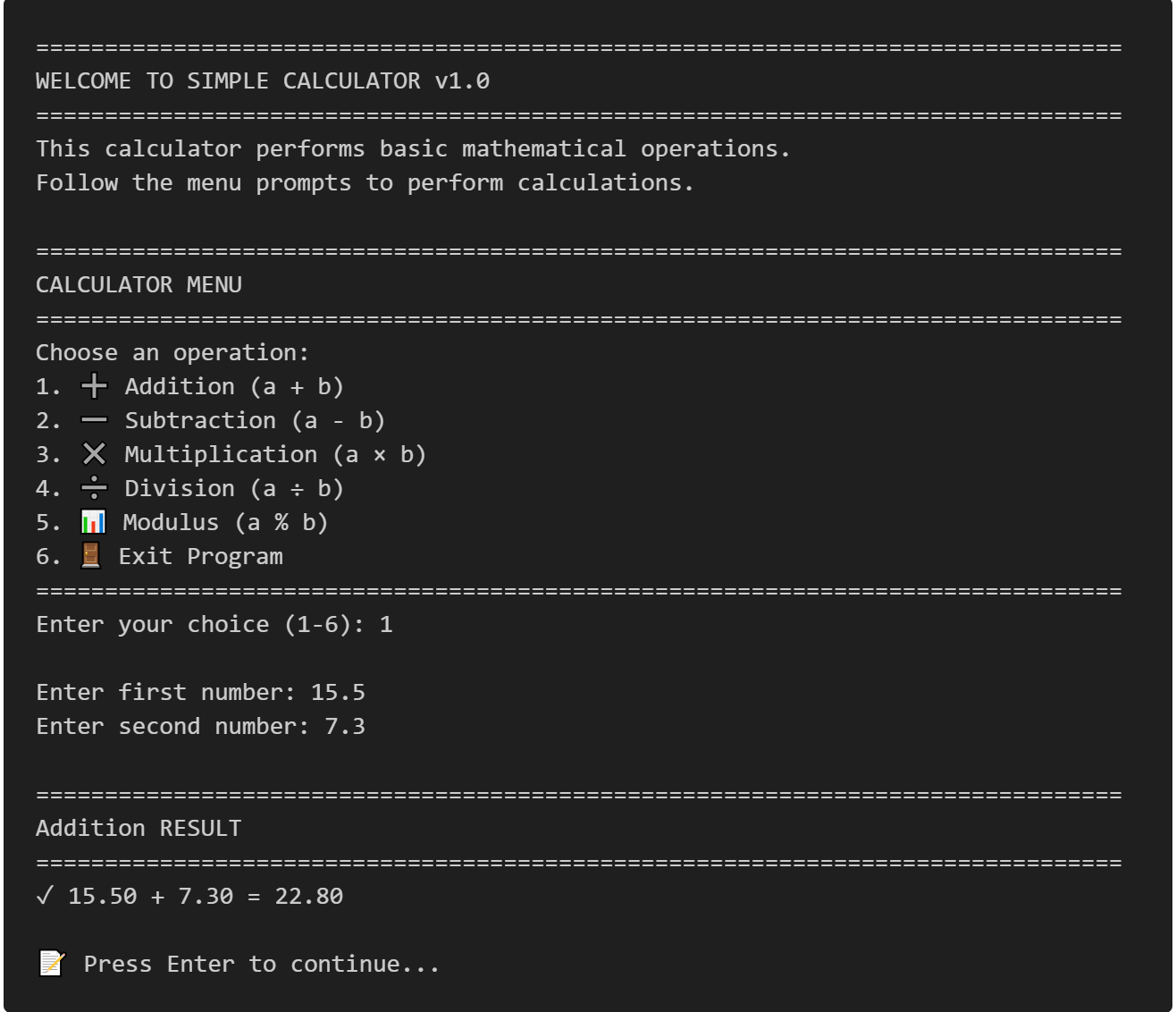
Simple Calculator in C
This project is perfect for beginners learning C programming as it covers essential concepts like functions, switch statements, input validation, and user interaction.
View Project →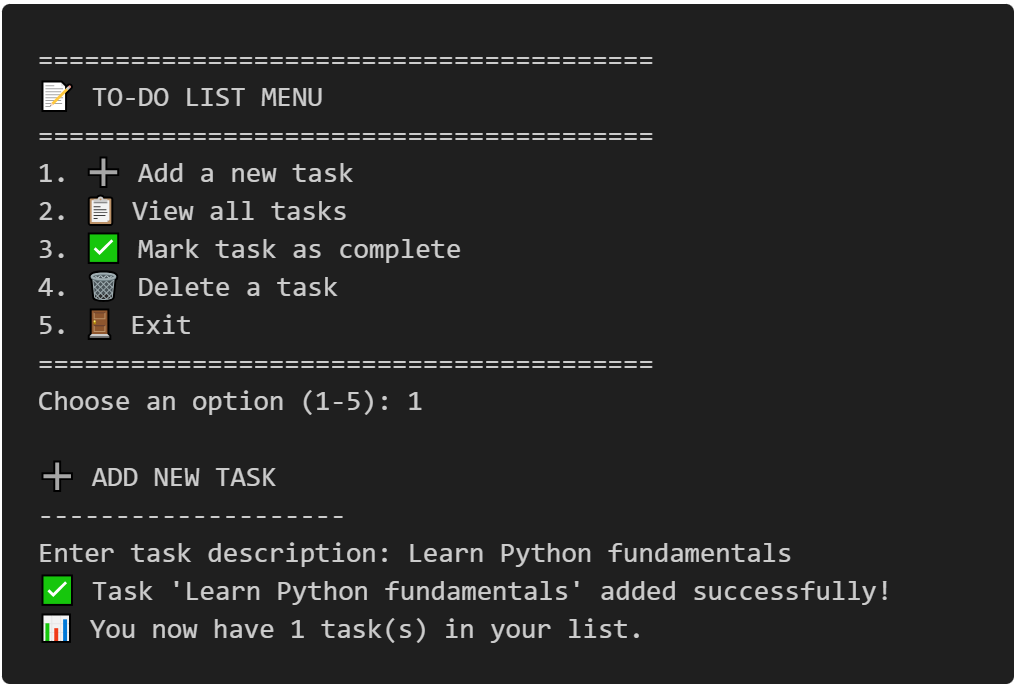
To-Do CLI App
Interactive command-line to-do list manager with Python, featuring list operations, persistent tasks, and practical coding exercises.
View Project →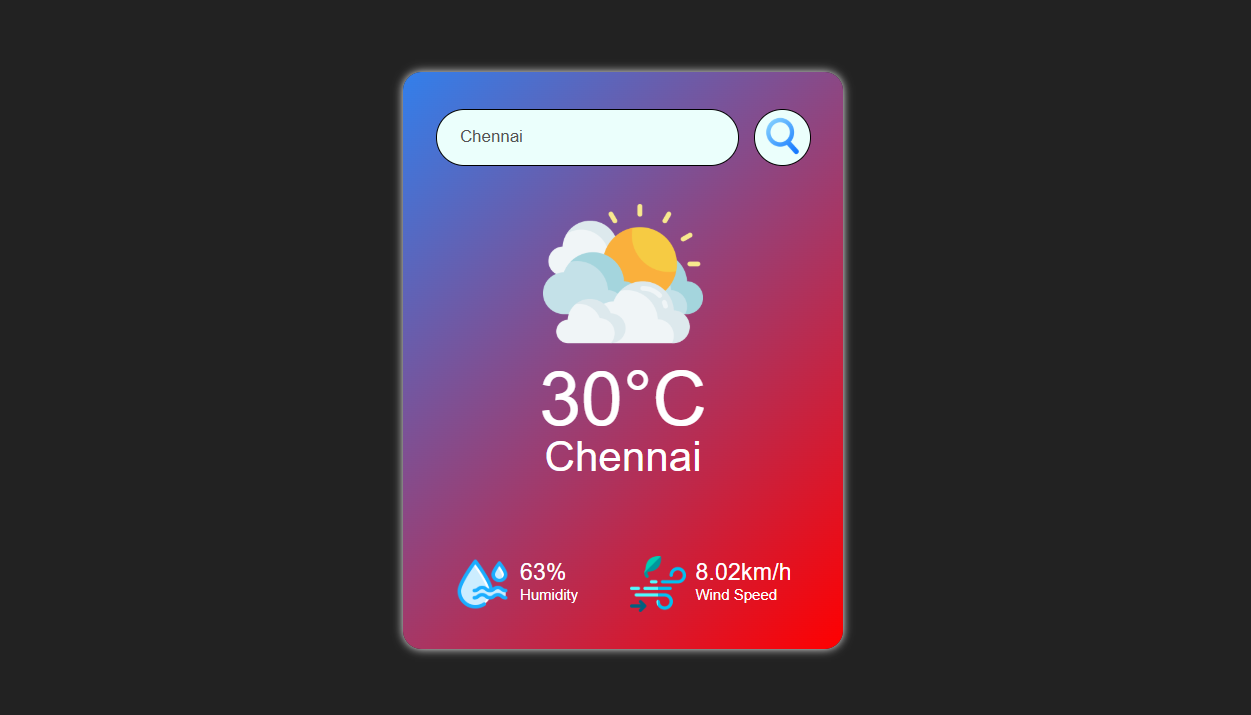
Weather App
Responsive weather app with real-time API data, feature comparison, and intuitive design for global city forecasts.
View Project →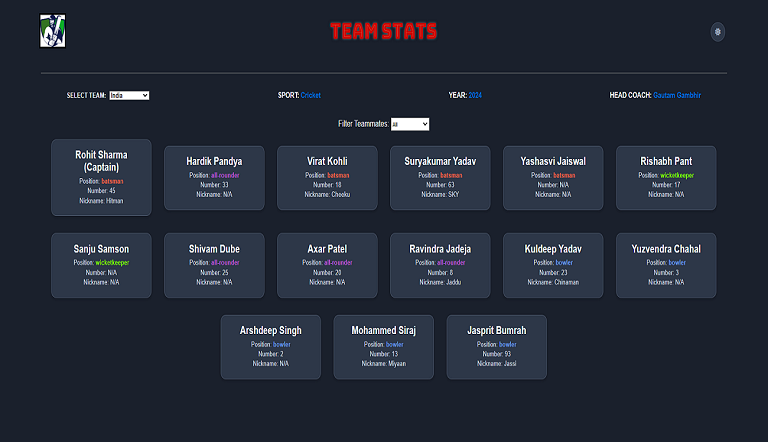
Team Card App
Interactive team card application for cricket, featuring dynamic team selection, player filters, and customizable light/dark themes.
View Project →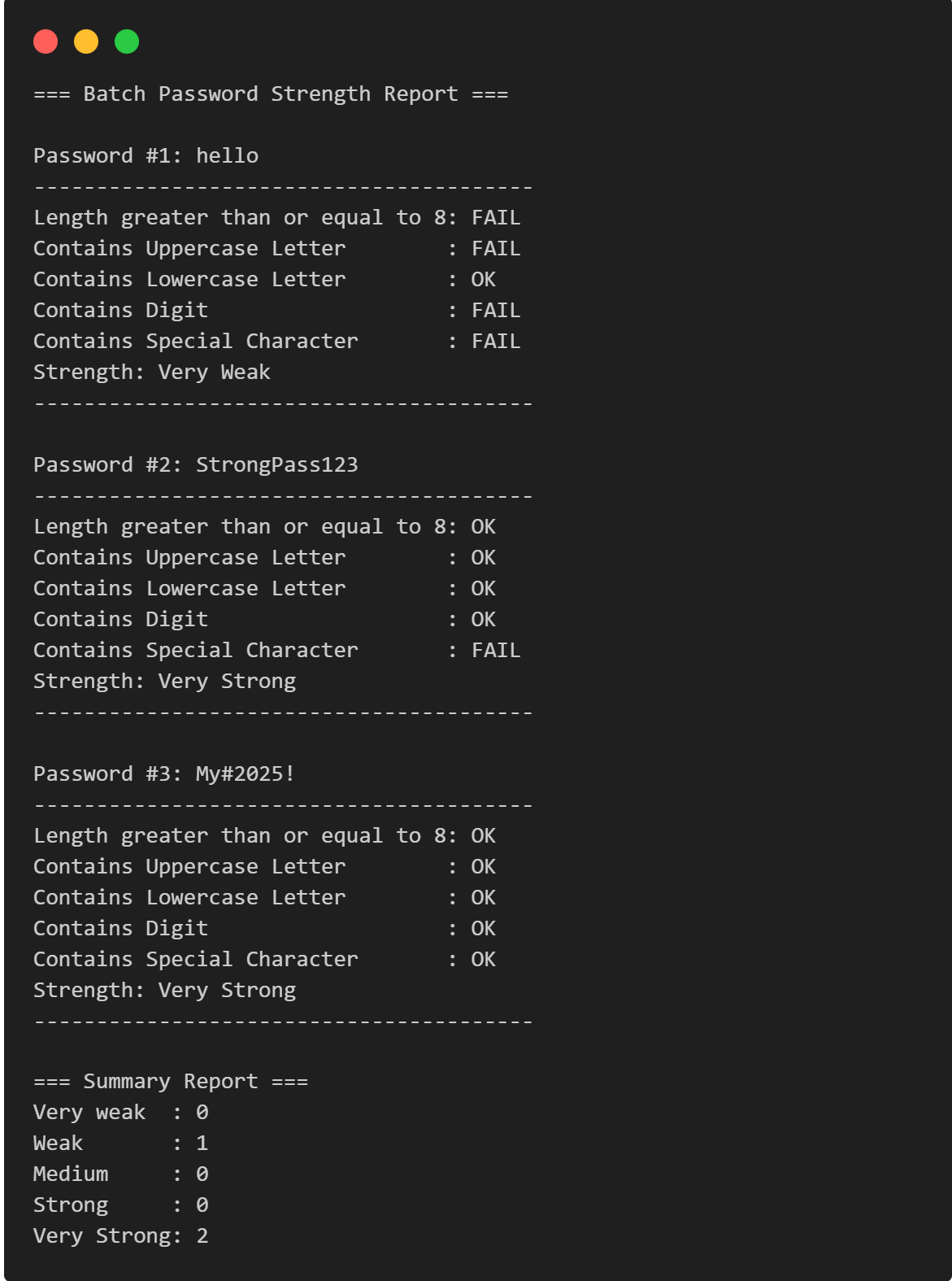
Password Strength Checker
Multi-Password Batch Strength Checker (C++), designed to check multiple passwords at once, show individual strength, and provide a summary report.
View Project →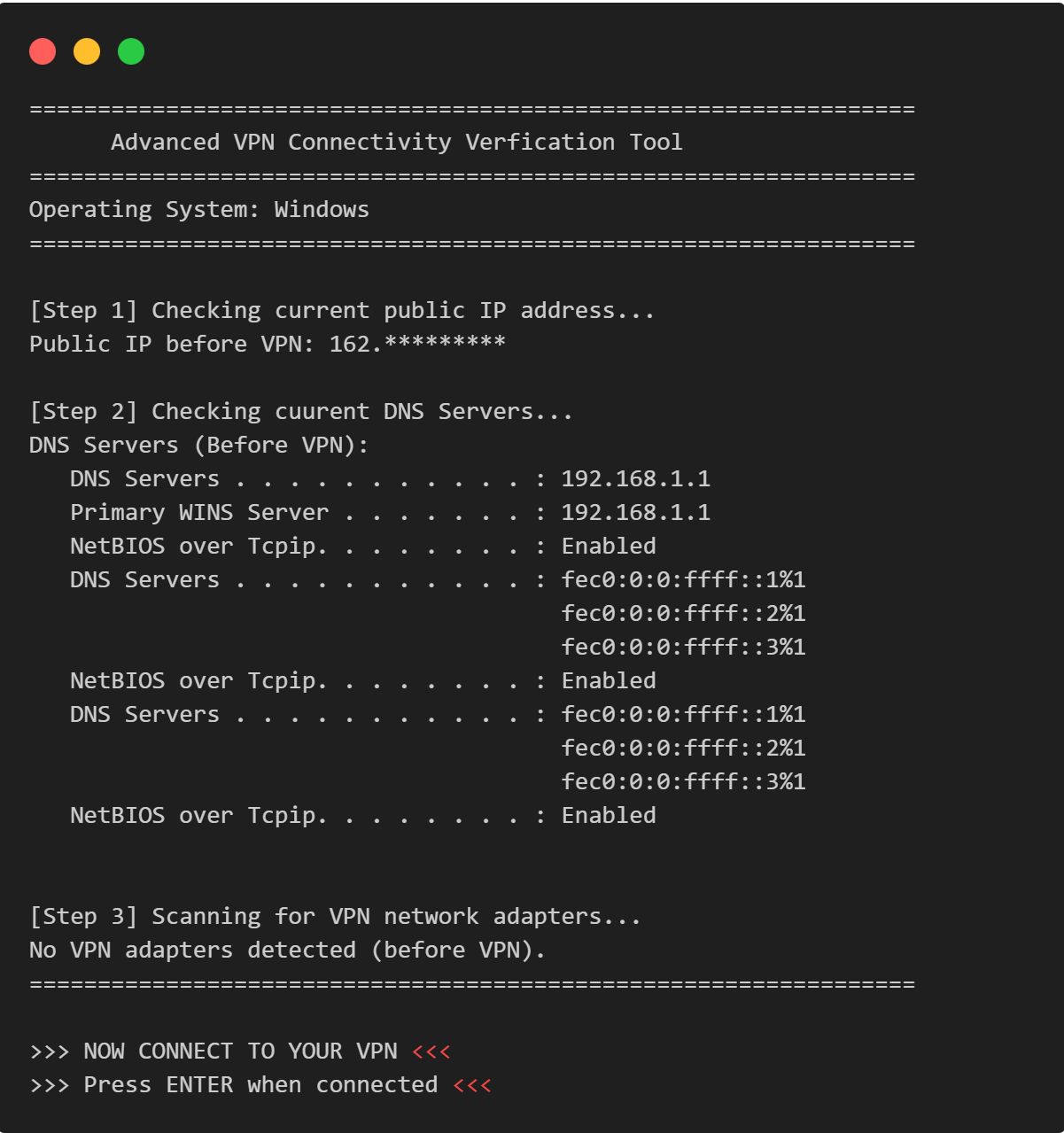
VPN Connectivity verification in C
Efficient C program to verify VPN status, routing, and DNS configurations through comprehensive public IP and network adapter analysis.
View Project →